01
Upload your image
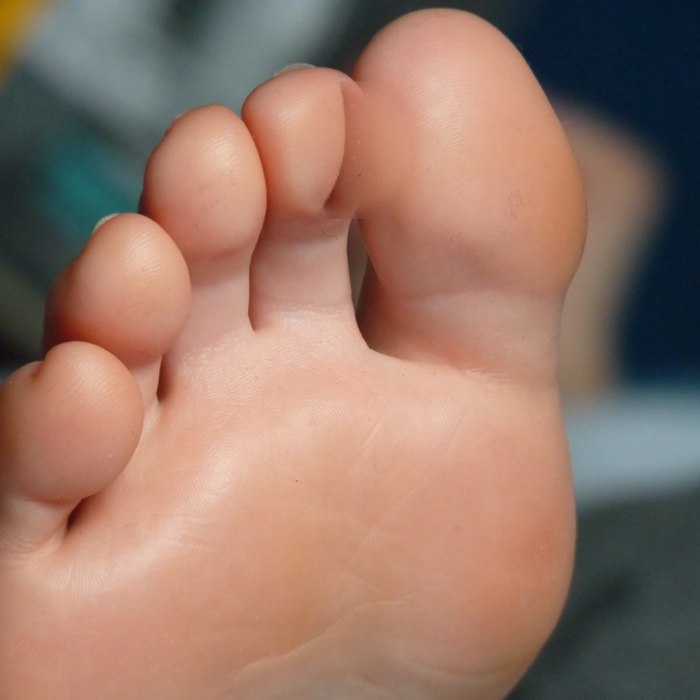
Upload a JPG, PNG, or WebP up to 10 MB to Feet Fixer AI where the merged or misshapen toes are clearly visible.
Fix fused, extra, or distorted toes in seconds—draw one box over the flaw in Feet Fixer AI without regenerating your pose, outfit, or lighting.
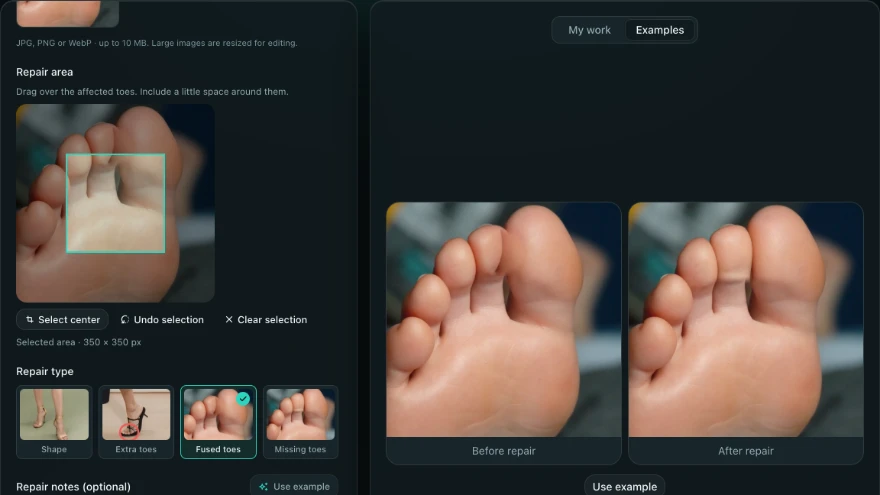
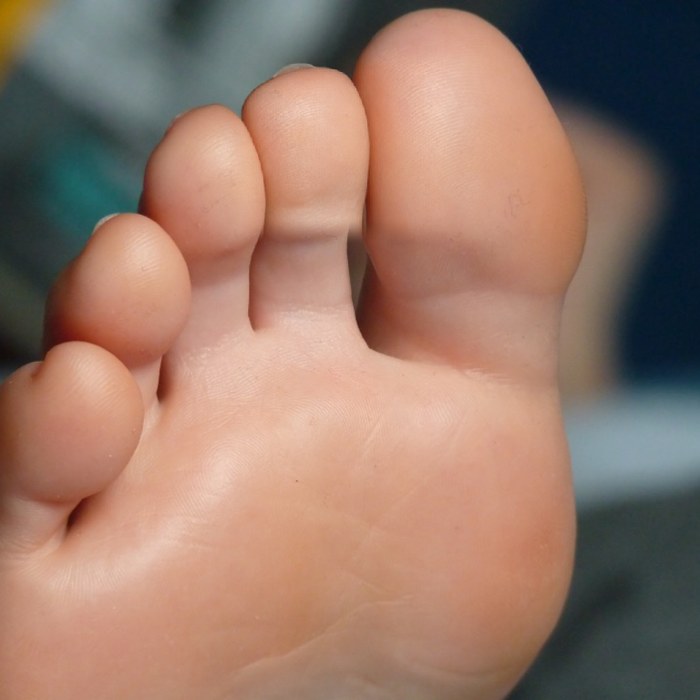
Nothing ruins a finished portrait, lookbook photo, or AI illustration faster than melted toes or a sixth digit—and full-image retries scramble the pose and lighting you already approved. Drag the slider to inspect how Feet Fixer AI reconstructs only the marked toes while leaving straps and floor shadows intact.
 Before repairAfter repair
Clean five-toe separation with matched skin texture.
Upload a JPG, PNG, or WebP up to 10 MB to Feet Fixer AI where the merged or misshapen toes are clearly visible.
Draw a tight rectangle around the flaw, pick a defect preset, and note any sandal strap or nail color to preserve.
Toggle between Original and Repaired in the workbench to check toe separation and floor shadows, then download your watermark-free PNG.
Feet Fixer AI fixes four localized defects—fused toes, extra toes, missing toes, and general foot shape issues—one rectangular region per pass. If the entire leg angle or pose needs to change, generate a fresh frame instead.
No—pixels outside your drawn rectangle stay identical in the exported PNG. Upload any JPG, PNG, or WebP up to 10 MB (very large files are resized during preparation), and only the masked region is composited back onto the prepared image.
Draw a tight rectangle around the affected toes plus a narrow margin of neighboring skin or floor shadow. Avoid including a second foot, logo, or high-contrast edge unless it needs repair so blending stays clean.
Yes—use the optional repair notes to specify thin sandal straps, buckles, or nail color to keep intact. Inspect the result with the Original and Repaired toggle at full size before downloading your PNG.
Every regional repair uses a flat 40 credits, displayed before you submit. You can upload a file, draw the selection, and write preservation notes before signing in, then confirm when ready.
Generate a new image when the entire foot angle, leg perspective, or shoe structure is broken beyond a single local patch. Reserve Feet Fixer AI (40 credits per pass) for images where the overall pose and lighting already work.
Draw one box over merged or extra toes in Feet Fixer AI and export a clean PNG while keeping the rest of your image untouched.
Open the Repair Tool