Prompt
Template 1 of 2Turn any foot photo or character drawing into smooth motion—upload one frame to Image to Video for Feet and skip rigging or manual keyframing.
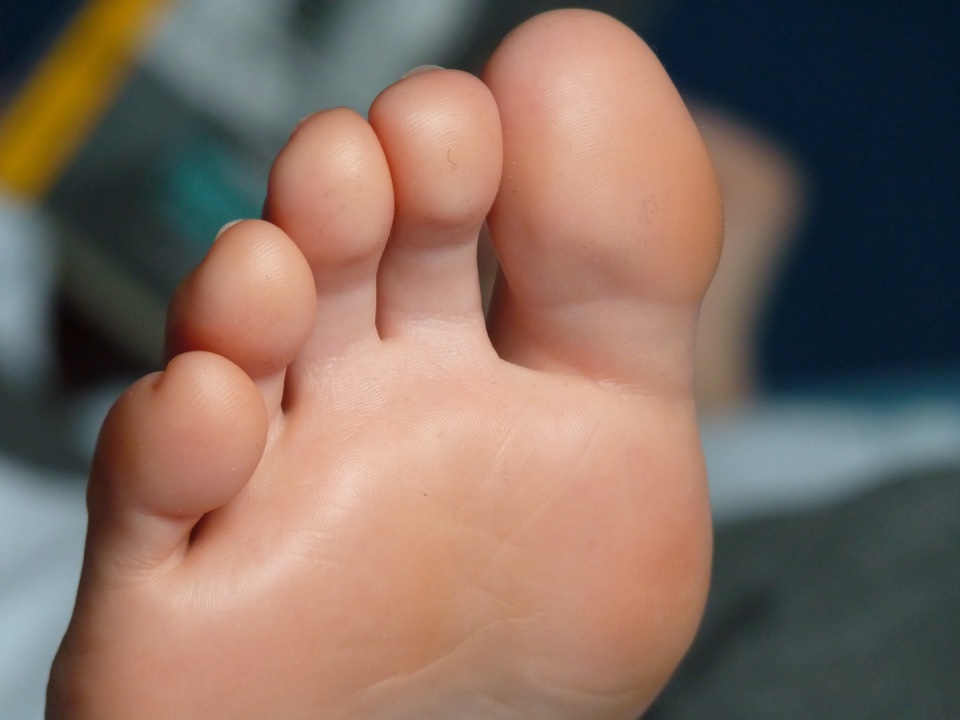
Static pose photos never show how weight shifts across the arch, when the heel lifts, or how ankle flexion changes toe balance. Play this Image to Video for Feet MP4 beside its opening still to inspect steady toe movement against a locked background.
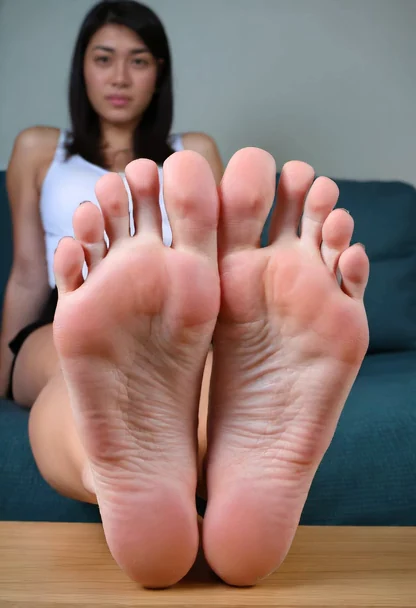
Upload one JPG, PNG, or WebP frame up to 10 MB to Image to Video for Feet, leaving room around the heel and toes for movement.
Pair Ankle flex, Weight shift, or Slow step with a Fixed, Push in, Pan, or Orbit camera path inside the workbench.
Check duration, ratio, resolution, and credits before submitting, then preview and download your watermark-free MP4.
Pair one foot movement with an independent camera path so every Image to Video for Feet clip stays anatomically readable. Load any recipe below directly into the workbench.
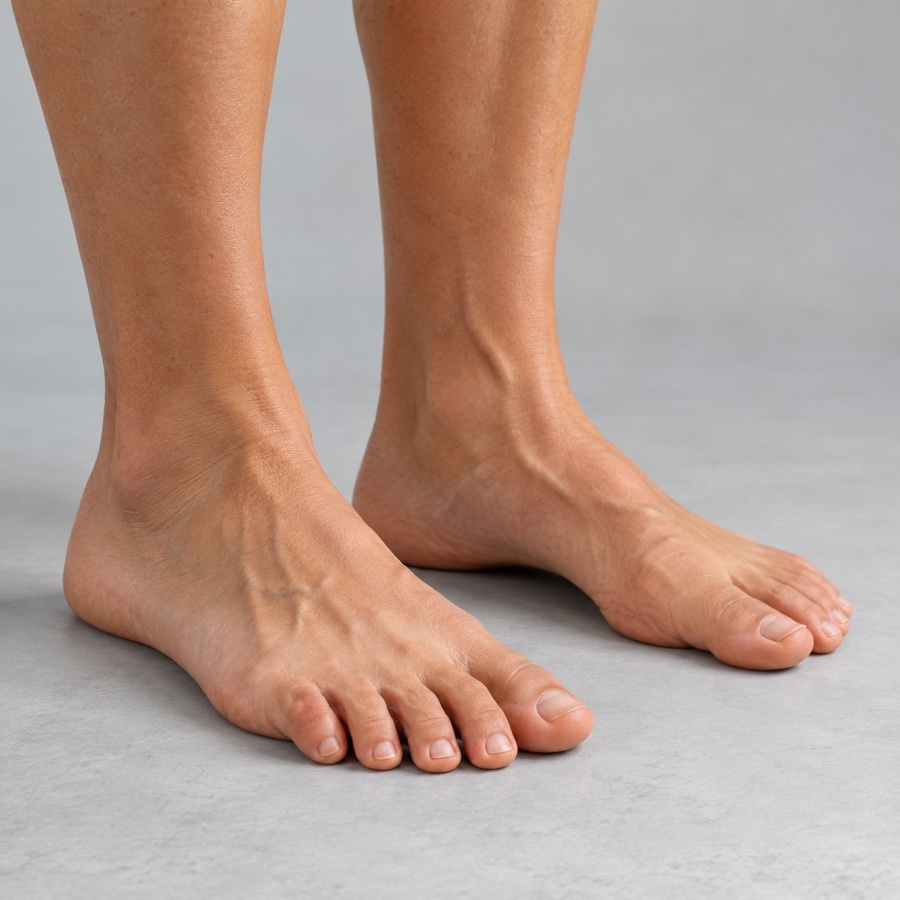 Weight Shift · Fixed Camera
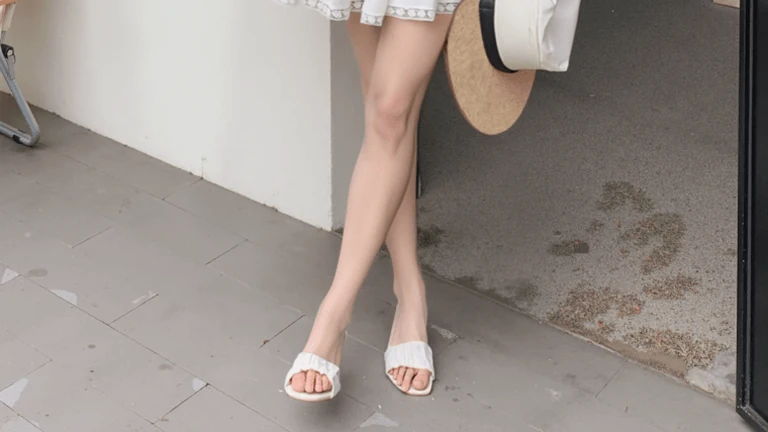
Keep the camera locked on the studio floor to study subtle weight transfer from heel to forefoot without parallax drift.
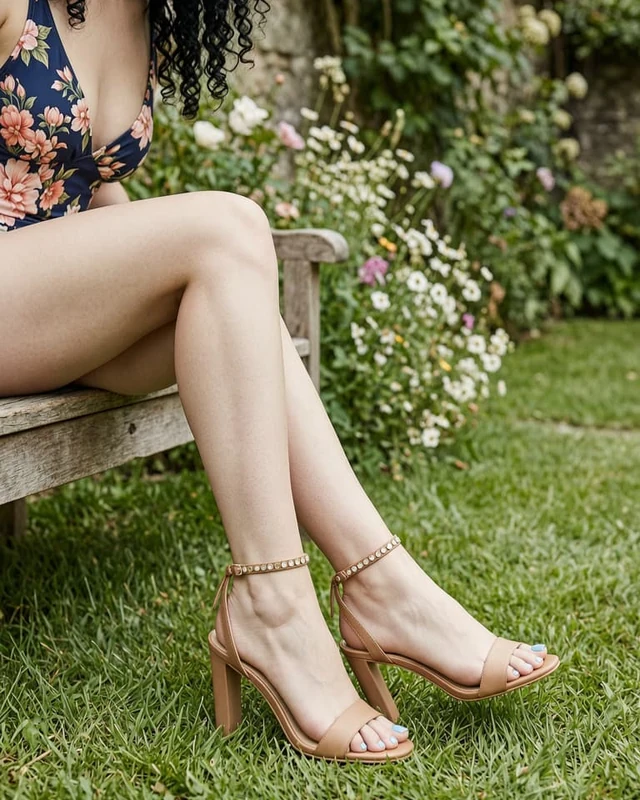 Slow Step · Lateral Pan
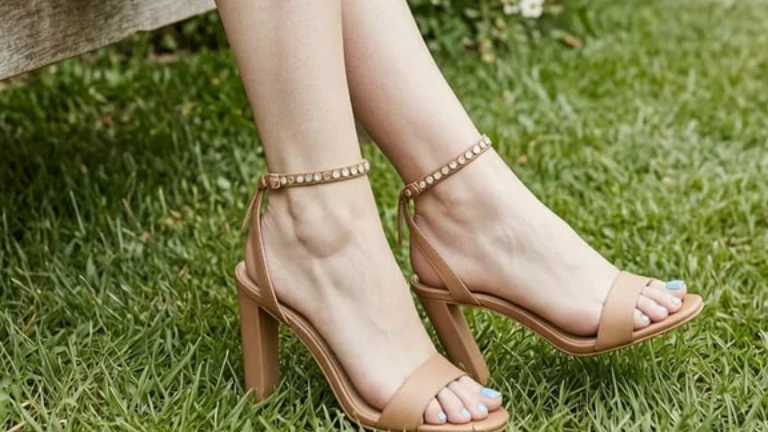
Follow a controlled forward step in open-toe sandals while keeping heel pitch, strap tension, and ground shadows steady.
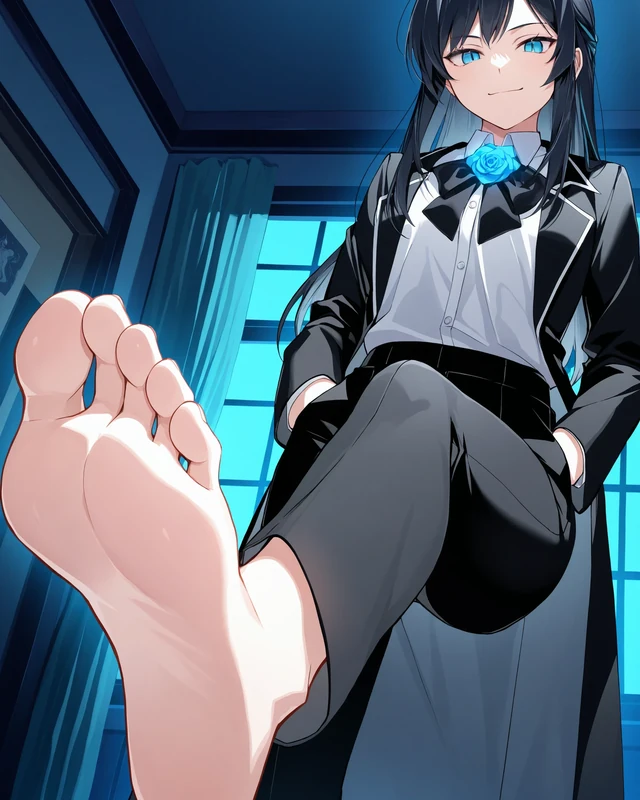 Ankle Flex · Push In
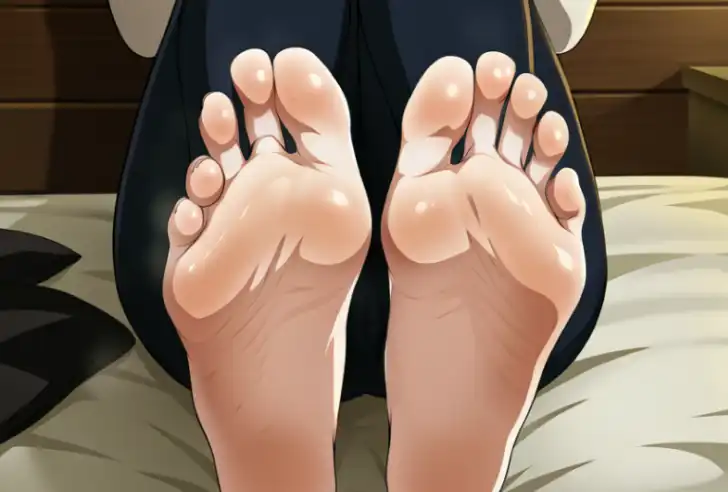
Run Image to Video for Feet on cel-shaded character art with a gentle ankle flex and slow push-in that preserves crisp ink lines.
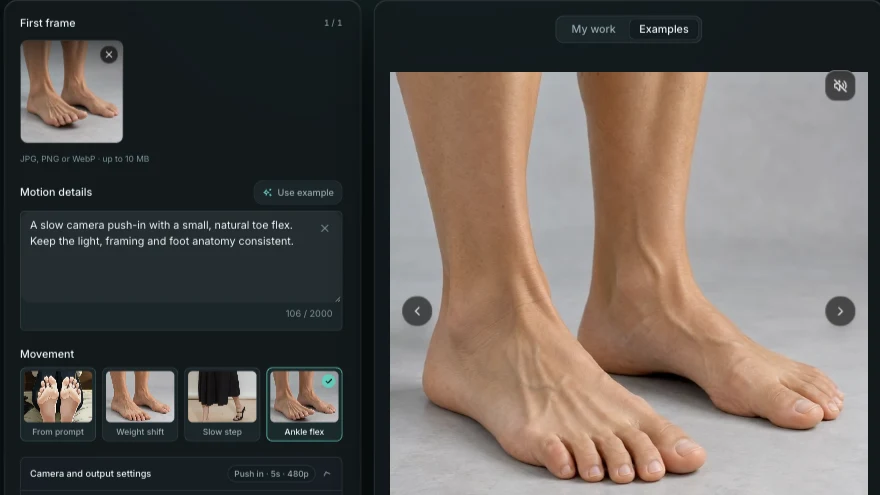
Pair Weight shift, Slow step, Ankle flex, or custom motion notes with Fixed, Push in, Pan, or Orbit camera paths in Image to Video for Feet—keeping foot anatomy steady from opening frame to final playback.
Choose Motion Settings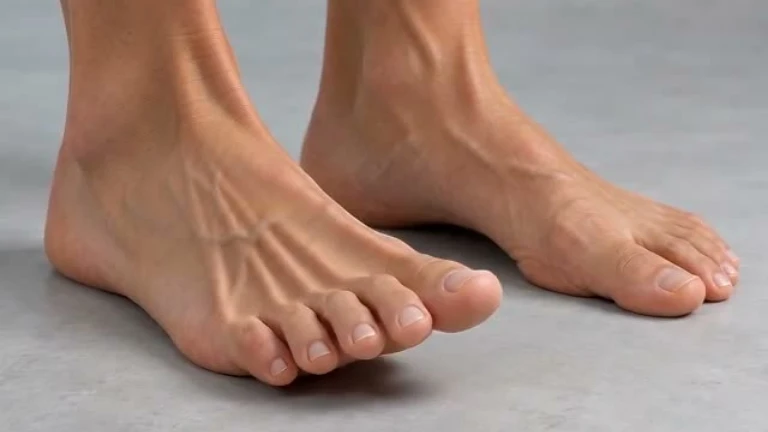
Each Image to Video for Feet export supports 16:9 widescreen, 9:16 vertical, 1:1 square, 4:3, and 3:4 frames in 5s, 10s, or 15s MP4 clips. Start with a quick 5s 480p test (120 credits) before rendering longer 720p references (up to 720 credits) with optional audio and zero site watermarks.
Configure Output SettingsUpload one JPG, PNG, or WebP up to 10 MB—whether it is a live footwear lookbook shot or a cel-shaded character still. If your opening still has a fused or extra toe, run a quick 40-credit pass in AI Feet Fixer first so motion starts from clean five-toe anatomy.
Upload Your First FrameDirect answers on supported source frames, movement vs. camera presets, MP4 durations, and transparent credit costs for Image to Video for Feet.
It animates one focused foot movement—such as a heel lift, weight shift, slow step, or ankle flex—directly from an uploaded still image. Stick to one clear action per clip rather than multi-scene sequences for reliable anatomical continuity.
No—this tool requires one uploaded JPG, PNG, or WebP starting frame (up to 10 MB), with optional text notes guiding how that frame moves. If you do not have a still yet, create one first in AI Feet Generator and upload the exported PNG here.
Choose Fixed camera whenever you need to judge arch compression, floor shadow contact, or weight transfer without background parallax. Switch to Push in, Pan, or Orbit when showcasing footwear straps or revealing a side contour.
Yes—both photographic stills and cel-shaded anime illustrations work as starting frames. Leave open margin around the moving foot, note the ink linework and color palette to preserve, and inspect overlapping toes during playback.
Export watermark-free MP4 clips in 5s, 10s, or 15s at 480p or 720p across 16:9, 9:16, 1:1, 4:3, and 3:4 ratios, priced from 120 credits (5s 480p) up to 720 credits (15s 720p) with optional audio. Start with 5 seconds at 480p to test a single movement before rendering longer 720p clips.
Use a sharp first frame with clearly separated toes and ask for one focused action. If the starting image already has fused or extra toes, repair that region first in AI Feet Fixer.
Upload a clean foot still, pick one movement and camera path, and preview your watermark-free MP4 in Image to Video for Feet.
Open the Video Tool